How to Speed Up a Slow Laptop Without Buying New Hardware
Technology Tech
Introduction
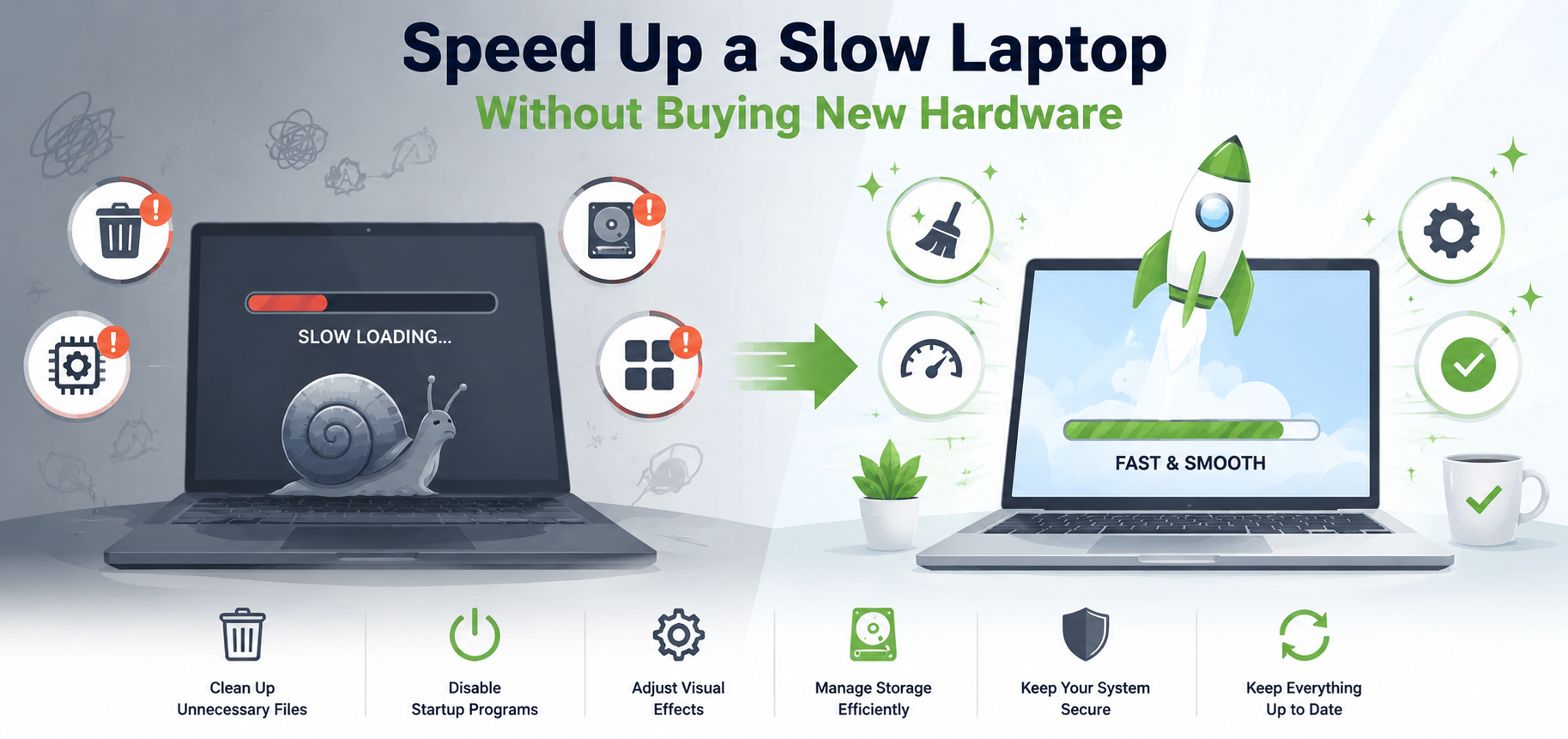
A slow laptop can turn simple tasks into frustrating experiences. Whether you're working remotely, attending virtual meetings, browsing the web, or managing business operations, sluggish performance can impact productivity and efficiency. The good news is that you don't always need to purchase new hardware to improve your laptop's speed. With a few smart optimizations and maintenance practices, you can significantly enhance performance and extend your device's lifespan.
Key Concepts and Overview
Remove Unnecessary Startup Programs
Many applications automatically launch when your laptop starts. These background programs consume memory and processing power before you even begin working. Disabling unnecessary startup apps can noticeably reduce boot times and improve overall responsiveness.
Free Up Storage Space
A nearly full storage drive can slow down system performance. Delete unused files, uninstall applications you no longer need, and clear temporary files. Modern operating systems perform best when they have sufficient free storage available for caching and system processes.
Update Software and Drivers
Keeping your operating system, applications, and drivers updated ensures better performance, security, and compatibility. Software updates often include bug fixes and optimization improvements that help devices run more efficiently.
Scan for Malware
Malware and unwanted software can quietly consume system resources. Running regular security scans can identify and remove threats that may be causing slow performance.
Optimize Your Browser
Web browsers often use a large portion of system memory. Limiting open tabs, removing unnecessary extensions, and clearing cached data can improve both browser and laptop performance.
Benefits and Real-World Applications
Laptop optimization provides several practical benefits:
Faster startup and shutdown times
Improved multitasking performance
Better battery efficiency
Reduced system crashes and freezing
Extended device lifespan
For professionals and business owners, a faster laptop can improve workflow efficiency and reduce downtime. Students and remote workers benefit from smoother video conferencing, quicker document access, and better overall productivity.
These simple improvements can often make an older laptop feel significantly more responsive without additional spending.
Challenges and Considerations
While software optimization can deliver substantial gains, there are limits to what it can achieve. Older processors and aging components may still struggle with resource-intensive applications such as video editing, gaming, or advanced AI tools.
Users should also avoid downloading unverified "PC optimization" software, as some programs may provide little benefit or even introduce security risks.
Future Trends and Innovations
Artificial intelligence is increasingly being integrated into operating systems to improve resource management automatically. AI-powered optimization tools can identify performance bottlenecks, prioritize important tasks, and enhance battery life with minimal user intervention.
Cloud computing is also reducing dependence on local hardware by shifting more workloads to online platforms, allowing older devices to remain useful for longer.
Conclusion
A slow laptop doesn't necessarily mean it's time for a replacement. By removing unnecessary startup programs, freeing storage space, updating software, scanning for malware, and optimizing browser usage, users can often restore significant performance. Regular maintenance remains one of the most effective ways to improve laptop speed, maximize productivity, and get more value from existing technology.
Search
Categories
Recent News
- 15 Common Technology Myths That Need to Die
- The Fascinating Evolution of AI: From Rule-Based Systems to Intelligent Agents
- The Environmental Impact of Modern Technology
- The Best Tech Skills to Learn for the Next 10 Years
- How to Speed Up a Slow Laptop Without Buying New Hardware
- Cloud Storage Explained: Everything You Need to Know
- Top 10 Browser Extensions That Will Instantly Make You More Productive
- 10 Emerging Technologies That Could Transform the Next Decade
Popular News
- The Modern Football Fans Secret Weapon
- 10 Common Online Habits That Put Your Personal Data at Risk
- 7 Shocking Ways Your Online Activity Is Being Tracked Right Now (And What You Can Do About It)
- 10 AI Tools That Can Save You 10+ Hours Every Week
- 10 Emerging Technologies That Could Transform the Next Decade